
BetaDoctor / Home Permanently in beta

Private by default.No cloud. No account. No phoning home.

Most software today wants something back: your data, your email address, your attention. Mine doesn't. I make tools that just work, with only the functionality you came for, and they never collect a thing.

Projects

Released · version 1.00

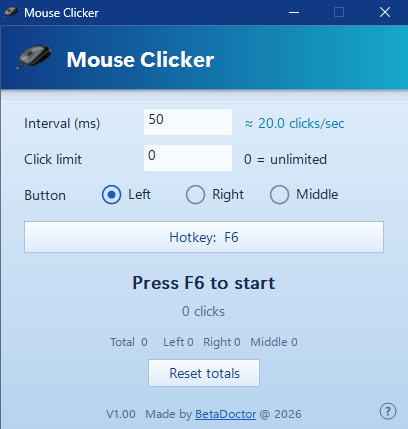
Mouse Clicker

A free auto-clicker for Windows that stays out of your way. Set the speed, point, press F6.

  • Up to 1,000 clicks a second
  • One small exe: no installer, no account, no ads
  • Free, with the source code included
Mouse Clicker: a picture of it
Released · version 1.00

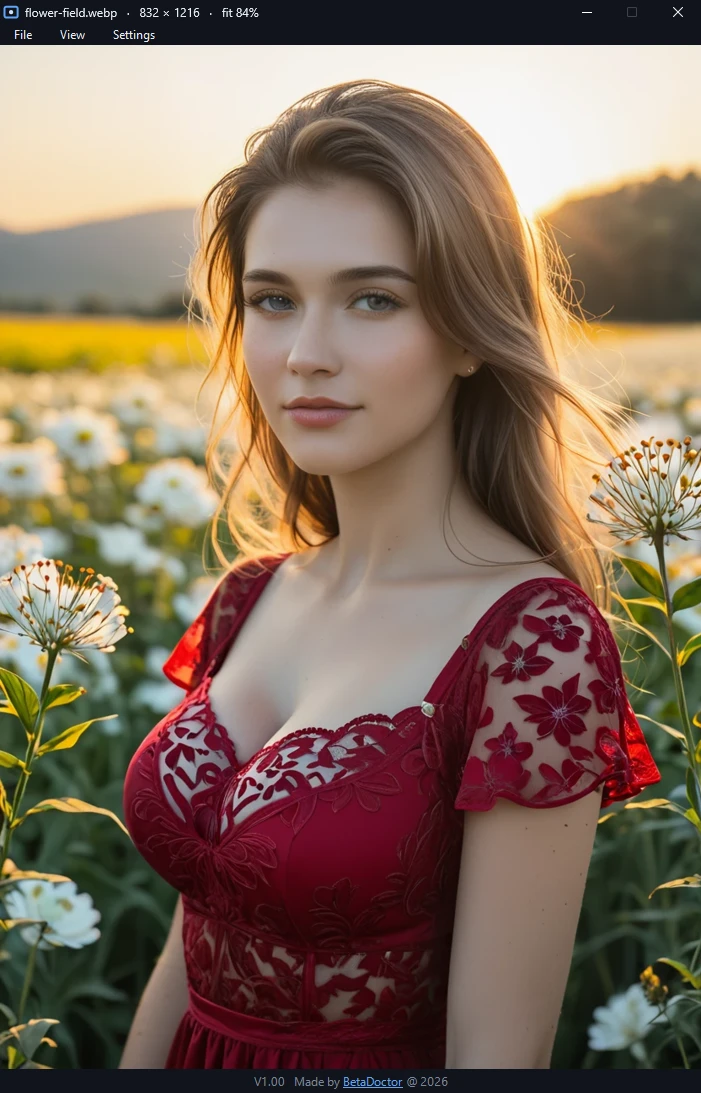
Image Viewer

A small, fast picture viewer for Windows. Just the picture, with nothing else in the way.

  • Opens AVIF, WebP, PNG, JPEG, GIF and more
  • See, edit and remove metadata, such as the GPS position
  • One exe: no installer, no account, never goes online
Image Viewer: a picture of it
Released · version 1.00

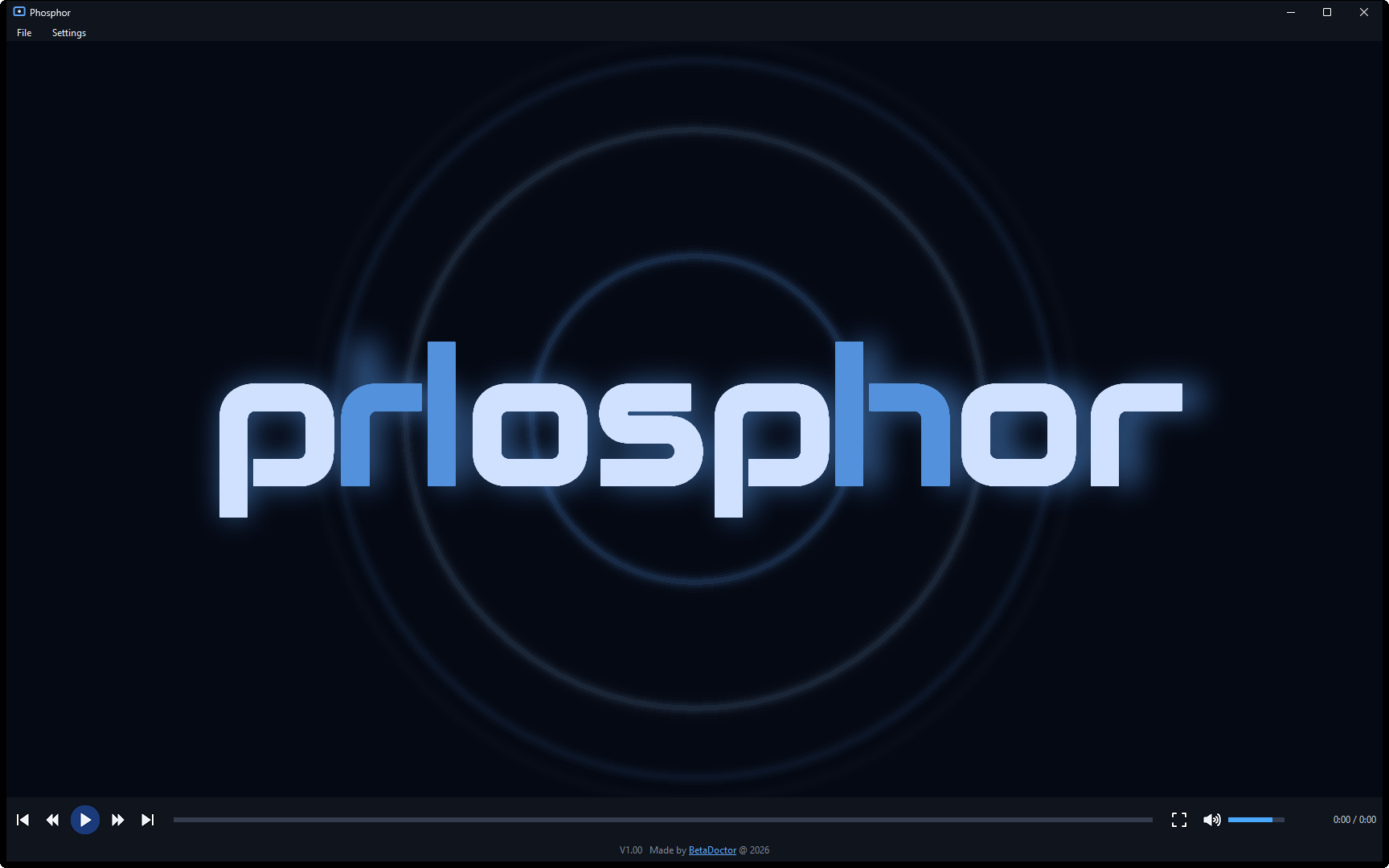
Phosphor

A small video and audio player for Windows. One slim control bar, nothing else, and it never phones home.

  • Plays MP4, MKV, MOV, AVI, WebM, MP3, FLAC and more
  • Smooth 4K: the graphics card does the decoding
  • One exe: no installer, no codec packs, never goes online
Phosphor: a picture of it
In the works

Piper Voices

Text-to-speech voices, trained at home.

In the works

Safe Internet Communication

Talking online without being listened in on.

Privacy statement

This site uses no cookies and no trackers, and it loads nothing from advertising or analytics companies.

My server keeps a log of visits: the time, the page or file, your IP address and what your browser says about itself, such as its type, its language and the page you came from. The page also reports back to my server what kind of screen and device it is shown on, which pages you open, what you click and how long you stay. I use all of this for statistics and to keep the site secure.

The log stays on my own server. Nothing in it is sold or shared with anyone.

Questions? You can reach me through GitHub.

BetaDoctor avatar
About me

Hi, I'm BetaDoctor. I make tools, mostly because the existing ones annoyed me.

Mine do what the name says and nothing else. No account, no cloud, no surprises. Everything is built and tested on one machine under my desk.

Everything here is in beta, permanently. Some of it works well, some of it is half finished, and all of it is still changing.

Built on
Processor
AMD Ryzen 9 3950X
Graphics
2 × Radeon RX 7900 XTX
Memory
32 GB AORUS DDR4
Motherboard
Gigabyte X570 AORUS ULTRA
Display
Samsung Odyssey G9
Storage
Samsung 990 PRO 4 TB + 1 TB
Released · version 1.00

Phosphor : a video player that never phones home.

Open a video and it plays. One slim control bar under the picture, and that is all there is: no library, no playlists to manage, no account, no recommendations.

It is a single exe with the decoders built in, so it plays nearly everything on any PC without a codec pack. And it never goes online: there is no update check, nothing is looked up and nothing is reported to anyone. The network code is not even in the exe.

What it keeps is small and stays on your PC: the volume and your preferences in one settings file, and the file types you choose to link to it.

Made for Windows 11; should also run on Windows 10. The exe is not code-signed, so Windows may show a warning the first time you run it. No subtitles in this version. To remove it: untick the file types under Settings, then delete the exe and the folder %LOCALAPPDATA%\Phosphor. It contains FFmpeg, dav1d and the Audiowide font: their licences.

What you get in version 1.00

Plays nearly everything

MP4, MKV, MOV, AVI, WebM, WMV, FLV, TS and MPEG video; MP3, FLAC, M4A, WAV, OGG, Opus and WMA audio. Nothing has to be installed in Windows.

Smooth 4K

H.264, HEVC, AV1, VP9 and more are decoded by the graphics card when it can, so large video stays smooth and the processor quiet.

Exact seeking

Click or drag the progress bar and the picture is on that spot, also while paused. Left and right jump 10 seconds.

Stays out of the way

The window takes the size of the video. In full screen the control bar and the pointer hide after a few seconds. Page Up and Page Down go to the previous and next file in the folder, in the same order as Explorer, and the volume is remembered.

Sound follows you

Plug in headphones and the sound moves to them, without a restart.

Free and open

The source code is included, with everything needed to check what it does or build it yourself.